
How to choose where a bundle shows
By default, a bundle shows on the product pages of the products inside it. You can show it on other product pages instead.
This applies to fixed, mix and match, Buy X get Y and multi-step bundles. A volume bundle always shows on its own products’ pages. A bundle product has its own product page.
Choose the pages
- Open the bundle in Lime Bundles.
- On the right, find the Where it shows card.
- Under On these pages, choose one:
- Bundle products: the pages of the products in the bundle.
- Specific products: only the pages of products you select.
- Specific collections: the pages of every product in the collections you select.
- If you chose Specific products or Specific collections, select Select products or Select collections and tick what you want.
- Select Save.
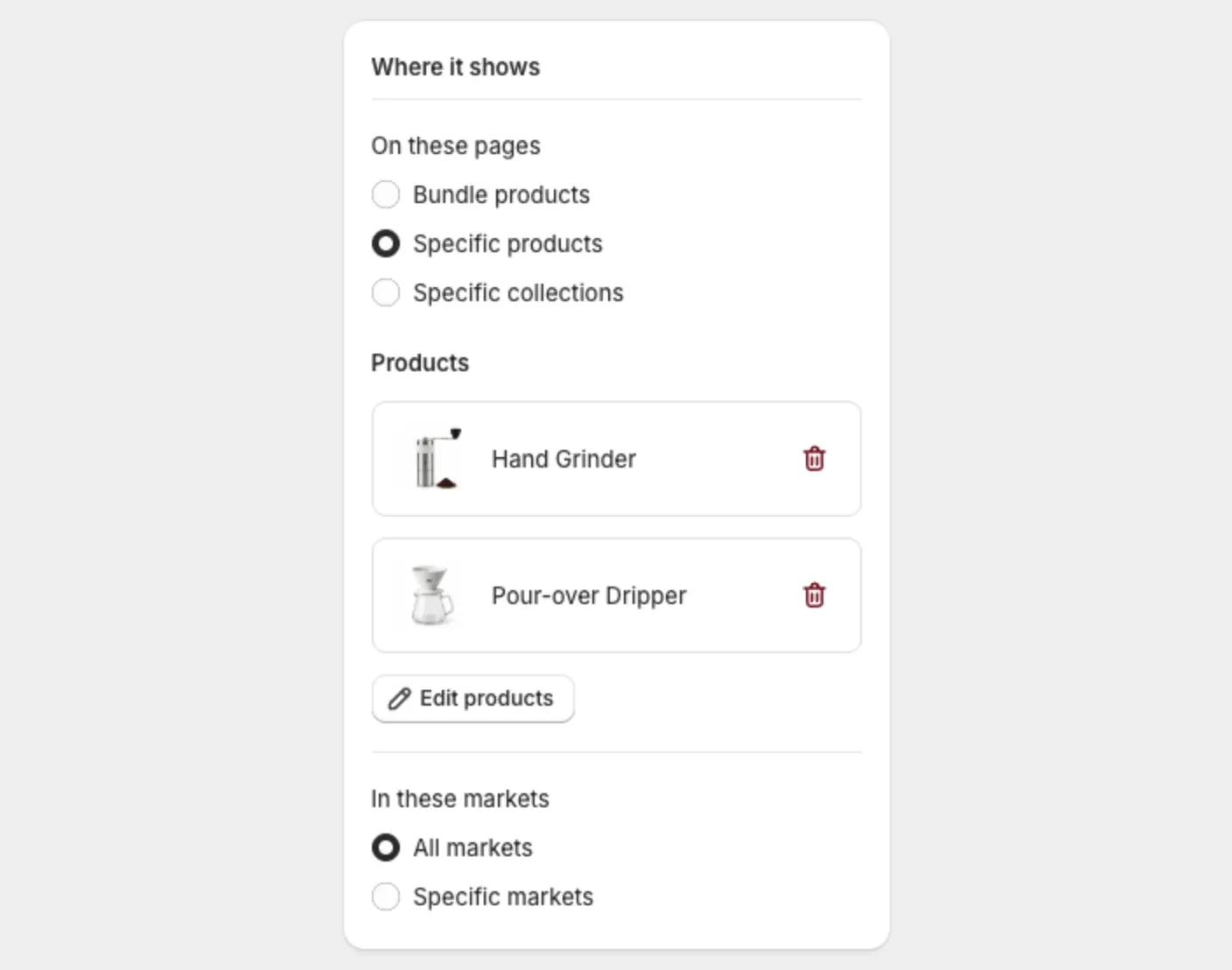
Example
You sell a camera and want to offer a “Starter kit” bundle of a bag, a strap and a memory card. Choose Specific products, then select the camera. The bundle now shows on the camera’s page.
Check the page
- Select Preview at the top of the bundle page.
- Your storefront opens on the first page where the bundle shows.
Preview needs the bundle to be Active.
The limit: 5 bundles on one product page
A product page can show up to 5 bundles.
If a product already has 5, the app warns you before you save. The warning names the product and says this bundle won’t appear on its page.
To make room:
- Open one of that product’s other bundles.
- Set it to Draft and select Save.
- Go back to your new bundle and select Save again.
If you leave it, the bundle shows by itself within the hour once a space is free.
Choose the markets
The same card has a second group, In these markets. See Show a bundle only in certain markets.
Good to know
- The bundle needs the Lime Bundles app block on the product template. See Add the app block to your theme.
- If you choose a collection with no products in it, the app warns you that shoppers won’t see the bundle anywhere.
- Showing a bundle on another product’s page doesn’t add that product to the bundle.