
How to set a bundle's discount
Every bundle has a discount that Shopify applies on its own at checkout. Shoppers don’t need a code. This guide covers the discount types and the name shoppers see.
This guide is for fixed, mix and match, volume, Buy X get Y and multi-step bundles. A bundle product is priced differently. See How to create a bundle product.
Set the discount
- Open the bundle in Lime Bundles.
- Go to the Discount section.
- Choose a Type.
- Enter the Value.
- Select Save.
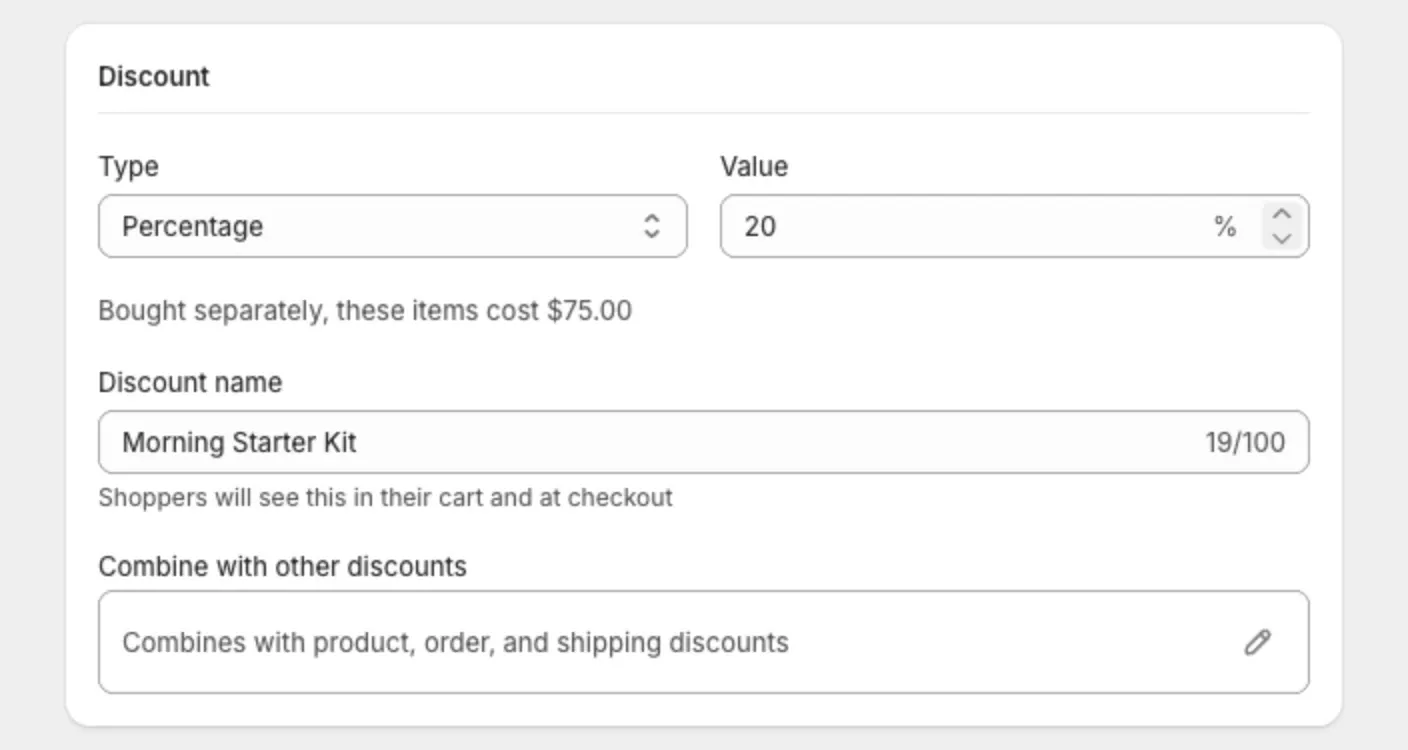
The discount types
- Percentage: a percentage off the bundle, like 15% off.
- Fixed amount: an amount off the bundle, like $10 off.
- Flat price: one price for the whole bundle, like $49.99.
The line under the fields shows what the items cost bought separately. Use it to check the saving is what you expect.
Which types each bundle can use
- Fixed, mix and match, multi-step: Percentage, Fixed amount or Flat price.
- Volume: Percentage or Fixed amount, set for each tier.
- Buy X get Y: a percentage off the “get” item. Enter 100 to make it free.
Change the discount name
The Discount name is what shoppers see next to the discount in their cart and at checkout.
- In the Discount section, select the Discount name field.
- Enter a short, clear name, like “Summer set, 15% off”.
- Select Save.
The name can be up to 100 characters.
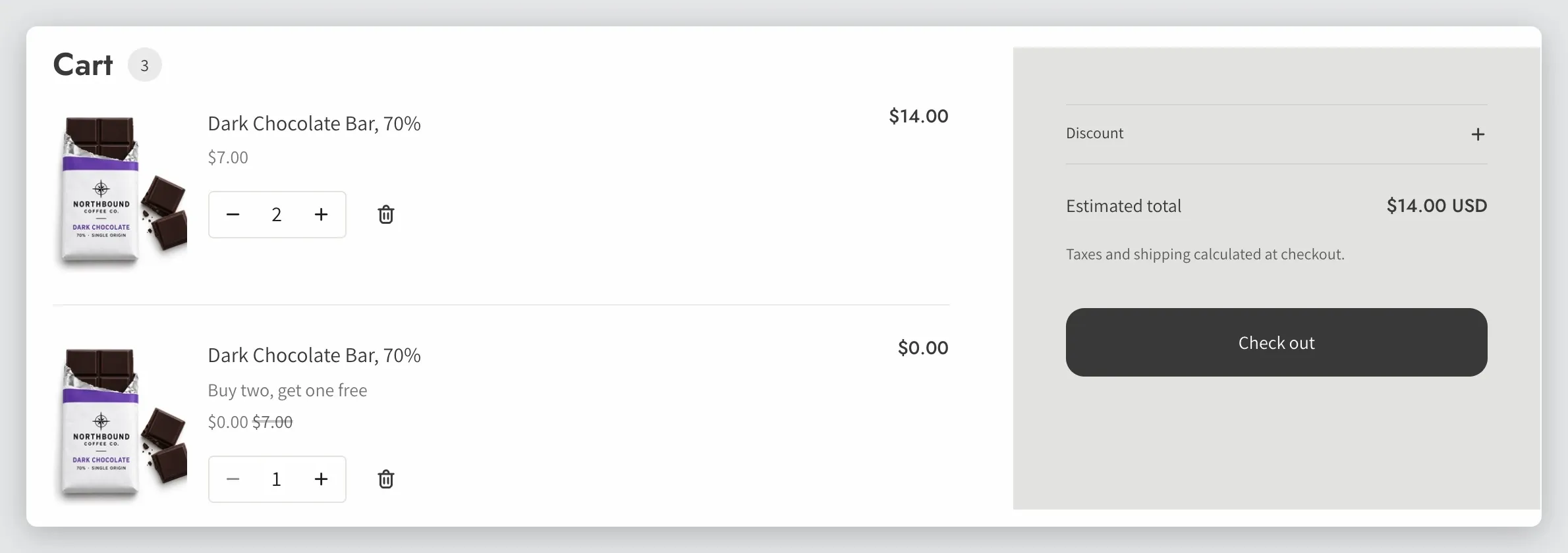
On a volume bundle you can add {quantity}, {percentage} and {amount} to the name. The app fills in each tier’s values.
Where the discount lives in Shopify
Each active bundle has an automatic discount on Shopify’s Discounts page, named “Bundle:” followed by the bundle’s title.
Leave it as it is. Lime Bundles creates it, updates it and removes it for you. If it is deleted in Shopify, the bundle turns to Sync failed. See Fix a bundle that says “Sync failed”.
Good to know
- The discount only applies when the cart holds everything the bundle asks for. If a shopper changes a quantity in the cart and breaks the bundle, the discount comes off.
- The discount name stays in the language you typed it in. Shopify doesn’t translate discount names.
- To use the bundle alongside your other discounts, see Discount combinations.